 Admin Drey
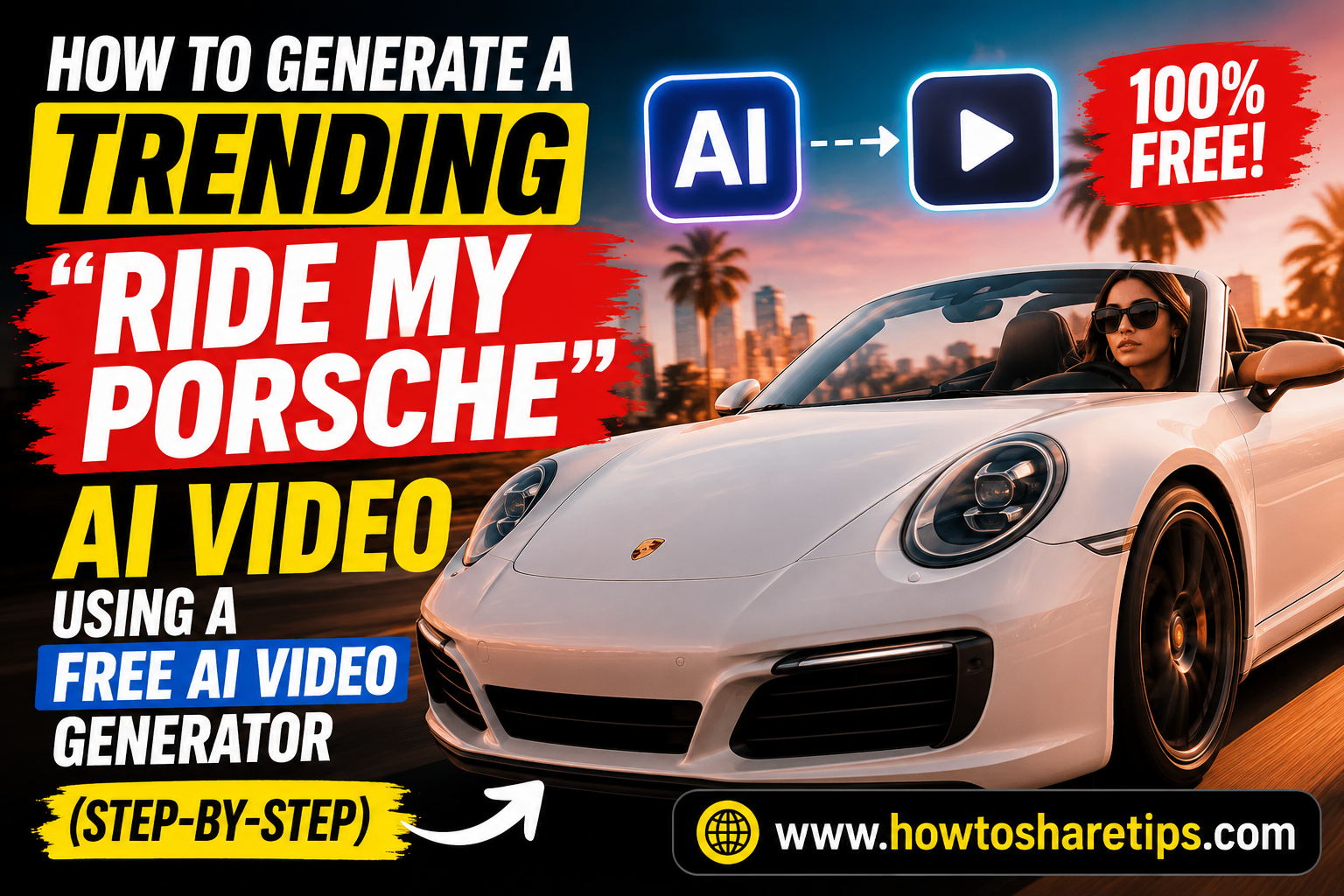
How to Generate a Trending “Ride My Porsche” AI Video Using a Free AI Video Generator is one of the hottest AI video trends taking over TikTok, Instagram Reels, YouTube Shorts, and other social media platforms. If you’ve been wondering how creators are producing these eye-catching AI videos with realistic animations and cinematic effects, this guide will show you exactly how to do it, without paying for expensive software.
In this tutorial, you’ll learn How to Generate a Trending “Ride My Porsche” AI Video Using a Free AI Video Generator from start to finish. We’ll cover the best free AI video tools, how to create effective prompts, generate high-quality visuals, add smooth animations, and export your finished video for social media.
Whether you’re a beginner, content creator, influencer, or digital marketer, learning How to Generate a Trending “Ride My Porsche” AI Video Using a Free AI Video Generator can help you create engaging videos that attract more views, increase followers, and boost audience engagement. By following this step-by-step guide, you’ll have everything you need to create viral AI videos using free AI tools in just a few minutes.
In 2026, AI-generated videos are making waves across TikTok, YouTube Shorts, and Instagram Reels. If you’ve seen trending videos like “Ride My Porsche” and wondered how they’re made, there’s good news: you don’t need a real car or a camera crew. With PixVerse AI, you can generate hyper-realistic, cinematic car videos using just a text prompt.
This guide will walk you through how to use PixVerse AI to create your own viral Porsche ride video fast and effortlessly.
What is PixVerse AI?
PixVerse AI is an advanced text-to-video AI tool that transforms simple text prompts into visually stunning videos within minutes. Instead of relying on expensive cameras, production crews, or complex editing software, you simply describe the scene you want to create, and the AI generates a high-quality video based on your instructions.
Whether you imagine a Porsche racing through a neon-lit city, cruising along a scenic coastal highway at golden hour, or drifting through mountain roads under dramatic skies, PixVerse AI can bring your vision to life without any filming. You can customize elements such as camera angles, lighting, environments, visual style, and motion to create cinematic videos that match your creative goals.
The platform is widely used by content creators, marketers, businesses, and social media enthusiasts who want to produce engaging AI-generated videos quickly and efficiently. With just a well-crafted prompt, you can create professional-looking content for TikTok, Instagram Reels, YouTube Shorts, advertisements, product showcases, and other digital platforms.
Key Features:
- 4K video generation
- Ultra-realistic motion and lighting
- Multiple style presets: Realistic, Cinematic, Anime
- Fast generation time (30–60 seconds per video)
Why “Ride My Porsche” AI Videos Go Viral
The “Ride My Porsche” concept hits the sweet spot between luxury lifestyle, visual appeal, and emotional engagement. Here’s why it trends so easily:
- Aspirational appeal: Porsche = status, success, and speed
- Cinematic visuals: Crisp detail, dynamic angles, smooth transitions
- Emotional hooks: Freedom, ambition, power
- Viral hashtags:
#RideMyPorsche,#PorscheLife,#AIride,#DreamDrive
Now, imagine all of this created by AI, that’s double the virality.
How to Make a Trending Porsche Video with PixVerse AI
Step 1: Sign Up on PixVerse
Go to https://pixverse.ai and create a free account or log in.
Step 2: Write an Engaging Prompt
Your text prompt drives the entire video. A good prompt = a great video.
Try this one:
“A sleek black Porsche 911 Turbo S cruising through a neon-lit futuristic city at night, cinematic lighting, smooth camera transitions, 4K ultra-HD, vaporwave color grading.”
More prompt ideas:
- “Porsche on a mountain road at sunrise, aerial drone-style, dreamy lens flares.”
- “POV from inside a Porsche cockpit on an empty highway, ambient lighting, 4K clarity.”
Prompt Pro Tips:
- Add visual terms: cinematic, ultra-HD, realistic, trending
- Set the scene: city nightscape, beach sunset, desert highway
Step 3: Customize Settings
Inside PixVerse:
- Video Length: Ideal is 5–15 seconds
- Aspect Ratio:
- 9:16 for TikTok, Instagram Reels, YouTube Shorts
- 16:9 for YouTube landscape videos
- Style Presets:
- Realistic for lifelike quality
- Cinematic for dramatic flair
- Anime for storytelling or niche appeal
Step 4: Generate & Download Your Video
Click “Generate” and wait about a minute. Once your video is ready:
- Preview and adjust if needed
- Download in HD or 4K
Upload Your Porsche AI Video to Social Media
Once downloaded, it’s time to go viral.
Use Captivating Captions:
- “POV: Me living the dream. #RideMyPorsche”
- “Can you believe this was made with AI? #PixVerseAI”
- “Manifesting my dream ride. No camera, no car, just AI.”
Use Smart Hashtags:
#AIgenerated | #RideMyPorsche | #LuxuryLifestyle | #PixVerseCreation
Pair with Trending Sounds:
Use viral TikTok or Reels audio for better engagement. Check platforms like:
- Tokboard for trending TikTok music
- ReelTrends for Instagram audio trends
Hidden PixVerse Features You Should Use
Style Presets
- Realistic: Lifelike visuals
- Cinematic: Film-grade tone and color
- Anime: Trendy, niche engagement
Aspect Ratios
- 9:16 – Vertical (Reels, Shorts, TikTok)
- 16:9 – Horizontal (YouTube)
- 1:1 – Square (Facebook, Instagram feed)
Coming Soon: Audio Syncing
PixVerse is continually expanding its AI video capabilities, and one of the most anticipated upcoming features is built-in audio syncing and voiceover support. Once released, users will be able to add synchronized dialogue, sound effects, background music, and AI-generated voiceovers directly within the platform, making the video creation process even more streamlined.
These features are expected to help creators produce more immersive and engaging videos without relying on separate audio editing software. Whether you’re creating social media content, marketing videos, cinematic clips, or storytelling projects, integrated audio tools can save time and improve production quality.
Since new features are released regularly, it’s a good idea to stay informed about the latest updates. You can follow PixVerse through its official Discord community or subscribe to its newsletter to receive announcements about new tools, feature releases, and platform improvements as they become available.
SEO Tips for AI Video Creators
Want to grow your blog traffic or YouTube channel? Use these SEO strategies:
Blog Optimization:
- Main keyword: Ride My Porsche AI Video
- Use in:
- Title
- First paragraph
- H2/H3 headings
- Meta description
Suggested Long-Tail Keywords:
- AI car video generator
- How to make Porsche AI videos
- Create luxury AI videos with PixVerse
- AI-generated supercar short
Viral Title Ideas for YouTube or Reels
Use these catchy titles for your uploads:
- “POV: My First Ride in a Porsche (AI Generated)”
- “You Won’t Believe This Porsche Video Was Made with AI”
- “Dream Car, No Camera: Watch This AI Magic”
- “From Text to Porsche in 10 Seconds”
Frequently Asked Questions (FAQ)
Q1: Do I need a real car or footage to create a video?
No. PixVerse AI can generate an entire car video from a simple text prompt, so you don’t need to own a car, record footage, hire actors, or use professional camera equipment. Simply describe the type of car, the setting, camera movements, lighting, and overall style you want, and the AI will create a matching video. This makes it an excellent solution for marketers, content creators, automotive enthusiasts, and businesses looking to produce professional-looking car videos quickly and affordably.
Q2: Is PixVerse free?
Yes, PixVerse offers a free plan that includes complimentary credits when you create an account, allowing you to test the platform before committing to a subscription. Free users can generate AI videos with basic features, while premium plans unlock additional benefits such as more monthly credits, longer video durations, higher-resolution exports (including 4K where available), faster rendering speeds, priority processing, and access to advanced generation settings. The exact features included in each plan may change over time, so it’s worth checking the latest pricing details on the PixVerse website.
Q3: Can I insert myself into the video?
Yes. While PixVerse primarily generates AI videos from text prompts, you can combine its output with your own footage using AI video editing tools such as Runway ML or Pika Labs. By using techniques like green screen removal, masking, compositing, or background replacement, you can seamlessly place yourself into AI-generated scenes. This approach is popular for creating personalized advertisements, cinematic videos, social media content, product promotions, and creative storytelling that blends real footage with AI-generated environments,
In Conclusion
In the AI-powered world of 2025, content creation is evolving at an unprecedented pace. Advanced text-to-video platforms like PixVerse are making it possible for anyone to produce cinematic, high-quality videos without expensive equipment, professional editing skills, or large production budgets. When combined with viral concepts like “Ride My Porsche,” these AI-generated videos can capture attention across social media platforms, helping creators stand out in increasingly competitive feeds.
Whether you’re a digital creator looking to grow your audience, an influencer creating engaging short-form content, a marketer developing eye-catching advertising campaigns, or simply a technology enthusiast exploring the latest AI innovations, there has never been a better time to experiment with AI-generated video. By combining compelling prompts, creative storytelling, and trending themes, you can produce content that is both entertaining and highly shareable.
The AI content revolution is just getting started, and those who embrace these tools early will have a significant advantage. Start experimenting with PixVerse, refine your prompts, and let your creativity drive the results. Your next viral video could be just a few words away, so now is the perfect time to ride the AI wave.
Try PixVerse now 👉 https://pixverse.ai
Generate

 Admin Drey