 Admin Drey
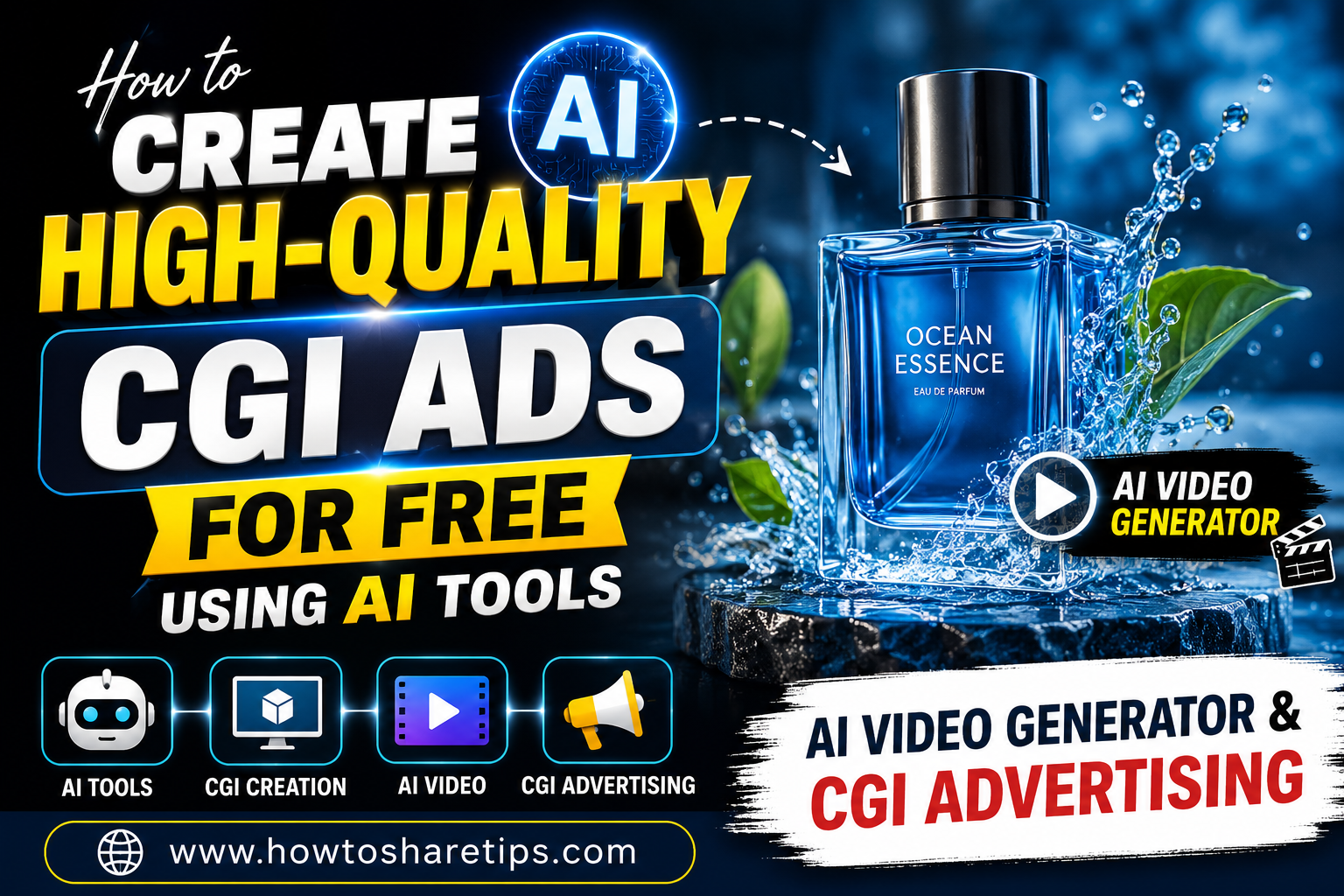
How to Create High-Quality CGI Ads for Free Using AI Tools is a game-changing skill for marketers, business owners, content creators, and advertisers looking to produce professional-quality promotional videos without expensive software or large production budgets. Thanks to modern AI technology, creating stunning CGI advertisements has become faster, easier, and more affordable than ever.
In this guide, you’ll learn How to Create High-Quality CGI Ads for Free Using AI Tools using powerful AI video generators and creative design platforms. From generating realistic CGI scenes to editing engaging marketing videos, you’ll discover a complete workflow that helps you create eye-catching advertisements for social media, YouTube, websites, and digital marketing campaigns.
Whether you’re promoting a product, launching a new brand, or creating viral social media content, How to Create High-Quality CGI Ads for Free Using AI Tools can help you produce impressive visuals that capture attention and increase engagement. You’ll also learn how AI video generators simplify video production by automating animation, visual effects, scene creation, and editing.
By following this step-by-step tutorial on How to Create High-Quality CGI Ads for Free Using AI Tools, you’ll be able to create cinematic CGI advertising videos with little or no design experience. The techniques covered in this guide are suitable for beginners and professionals alike, making it easier to produce high-converting AI-powered advertisements for digital marketing.
What You’ll Learn
- How to create high-quality CGI ads using free AI tools
- The best AI video generators for CGI advertising
- Tips for creating realistic CGI scenes
- How to optimize AI-generated ads for social media
- Best practices for digital marketing and video advertising
- Common mistakes to avoid when creating AI-powered CGI ads
Start applying these techniques today and discover How to Create High-Quality CGI Ads for Free Using AI Tools to create professional advertising videos that attract more views, boost engagement, and help grow your brand without breaking your budget.
Hey everyone! In today’s post, I’ll walk you through the exact process to create high-quality CGI (Computer Generated Imagery) ads using 100% free AI tools. Not only can you use these ads for personal projects, but you can also charge clients premium rates for professional-looking CGI ad content. Let’s dive in step-by-step!
Step 1: Gather Inspiration from Pinterest
The first thing you need is a creative concept for your ad. Start by downloading the Pinterest app from the Play Store.
- Open Pinterest and search for “CGI ads”.
- Look at the visual styles: for example, a product being revealed by a helicopter or floating down with balloons.
- Save the ideas that resonate with your vision for the product.
Step 2: Create Your Product Image with ChatGPT
Now let’s bring the idea to life using the ChatGPT app. If you haven’t already, download it from the Google Play Store.
- Open ChatGPT and select the “Photos” feature (if available).
- Upload an image of your product.
- Describe your desired CGI scene. For example: “Turn this product image into a CGI ad where the product is hanging from a helicopter, with the environment matching the theme.”
- ChatGPT will then generate the CGI-style image based on your prompt.
You can ask for multiple variations if you’re not happy with the first one!
Step 3: Convert the CGI Image into a Video
Once your image is ready, the next step is converting it into a video using free AI tools. Currently, two tools stand out:
- Kaiber (formerly known as Kling AI) – High-quality results but takes time.
- PixVerse – Faster results with slightly lower quality.
How to Use PixVerse:
- Go to the PixVerse website.
- Click on the image upload option.
- Paste the prompt you used earlier in ChatGPT.
- Click “Create” and wait for your video to render.
Once the video is generated, you can download it. If a watermark appears, you can zoom and crop it using apps like VN Video Editor.
Step 4: Polish Your Video
Use VN Video Editor or any other editing app to:
- Remove the watermark by zooming in or cropping.
- Enhance video quality with filters and sharpness adjustments.
- Add background music for extra engagement.
Optional: Use Kaiber AI for Higher Quality
If you’re not in a rush and want top-tier quality, try using Kaiber (Kling AI):
- Upload the CGI image.
- Paste your animation prompt.
- Click Generate – but note, it can take hours to finish rendering.
Conclusion: Start Selling CGI Ad Services
That’s it! With these tools and strategies, you can now create stunning CGI-style ads for free using AI. Many clients are willing to pay well for such unique visuals, so you can easily turn this into a profitable service offering on platforms like Fiverr or Upwork.
Whether you’re a freelancer, content creator, entrepreneur, digital marketer, or small business owner, this AI-powered workflow gives you the ability to produce professional-quality CGI advertisements that rival those created by expensive creative agencies. Instead of investing thousands of dollars in video production, 3D animation software, or hiring designers and editors, you can leverage free AI tools to generate stunning visuals, realistic animations, and engaging marketing videos in just a fraction of the time.
This approach makes high-quality advertising accessible to everyone, regardless of budget or technical experience. Whether you’re promoting a new product, launching a startup, running social media campaigns, or creating video ads for clients, you can build eye-catching CGI content that captures attention, increases engagement, and drives more conversions. With the power of AI, you can compete with big-budget agencies, deliver impressive results, and grow your brand without spending a single dollar on expensive software or production services.
Recommended Tools:
- Pinterest – For CGI ad inspiration
- ChatGPT – For image creation and prompts
- PixVerse – For turning images into videos
- Kaiber AI – For cinematic CGI animations
- Fiverr – To offer your CGI ad services
Stay creative and keep experimenting! If you enjoyed this guide, share it with someone who might want to monetize their design skills using AI.

 Admin Drey