
 Admin Drey
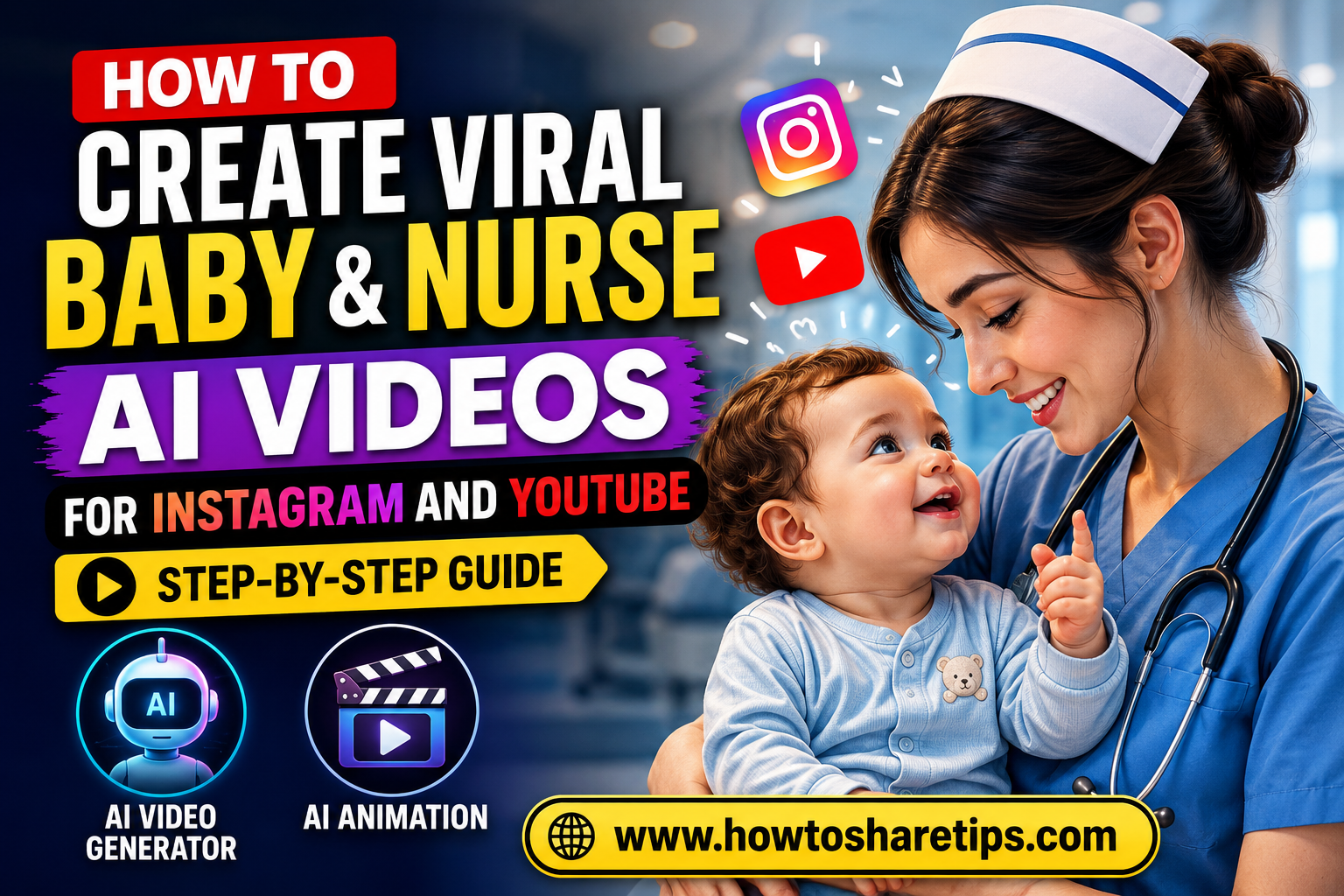
How to Create Viral Baby & Nurse AI Videos for Instagram and YouTube is a trending topic for content creators looking to grow their audience with engaging AI-generated videos. If you want to create heartwarming, funny, or educational baby and nurse animations that attract millions of views, this guide will walk you through every step of the process.
In this tutorial, you’ll learn How to Create Viral Baby & Nurse AI Videos for Instagram and YouTube using the latest AI video generator and AI animation tools. From writing compelling prompts and generating realistic AI images to animating your characters and adding voiceovers, you’ll discover a complete workflow for creating professional-quality short videos.
Whether you’re a beginner, social media influencer, digital marketer, or YouTube creator, How to Create Viral Baby & Nurse AI Videos for Instagram and YouTube can help you produce viral content faster while saving time and effort. You’ll also learn how to optimize your videos for Instagram Reels, YouTube Shorts, TikTok, and Facebook Reels to maximize views, engagement, and follower growth.
By the end of this step-by-step guide, you’ll have everything you need to master How to Create Viral Baby & Nurse AI Videos for Instagram and YouTube using powerful AI video generator and AI animation tools, helping you consistently create engaging content that stands out on today’s most popular social media platforms.
In recent weeks, a unique type of video has been going viral across Instagram and YouTube, baby and nurse conversation videos generated entirely with AI. These short clips, often featuring heartwarming or humorous dialogues, are getting millions of views and helping creators rapidly grow their social media following.
In this guide, I will walk you through exactly how you can create such viral AI videos for free, using Google Gemini and Google Vio3. By following these steps, you can generate up to three AI videos per day and post them to Instagram Reels, YouTube Shorts, or TikTok to build your audience quickly.
Why These Videos Are Going Viral
Before jumping into the tutorial, take a look at the trending pattern:
- Instagram videos of babies talking to nurses are receiving millions of views, 18M, 15M, 4M, and more.
- YouTube creators are also hopping on the trend, producing similar content with high engagement.
- This reminds me of the recent AI Monkey vlog trend, which exploded in popularity. The AI baby trend is set to be the next big thing.
With just 17 posts, one creator managed to gain 33,000 followers on Instagram. If you start now, you can ride the trend while it’s still fresh and gain followers, subscribers, and brand opportunities.
What You’ll Need
- A Chrome browser
- A Google account (Gmail)
- Access to Google Gemini (via student offer)
- Access to Google Vio3 or Google Flow
- A simple AI prompt for generating video dialogues
Step 1: Activate Google Gemini Student Offer
- Open Chrome and search for “Google Gemini Student Offer”.
- Click the official Google link. This offer gives you 1 year of free access without paying anything.
- Click Get Offer and verify your student status. If you are not a student, you can use the details of a student in your family or friend circle. Enter real information (fake details may cause account rejection).
- Fill in your name, school name, date of birth, and email address.
- Verify your email with the OTP sent by Google.
- Once verified, click Continue and then Start Trial.
- Add a payment method (Card, UPI, or PayPal). No money will be charged, only a temporary verification amount (₹85–₹86) which will be refunded.
- After subscription, your Google Gemini Pro account will be active for one full year.
Tip: You can cancel or change the subscription anytime before the renewal date, so there’s no risk.
Step 2: Access Google Vio3 or Google Flow
Once Gemini is active, you can use Google Vio3 or Google Flow to create your AI videos.
- Open Google Vio3 or Google Flow in your Chrome browser.
- Log in with the same Gmail ID that was used to activate your Google Gemini account.
- You will receive 1,000 AI credits for free. Each video costs around 20 credits, so you can create a lot of videos before needing more.
Step 3: Prepare Your AI Video Prompt
To generate videos, you need a dialogue prompt for the AI. Here’s an example:
Nurse: "You’ve just been born! What would you like your name to be?"
Baby: "I love Sachin’s videos, so name me Sachin!"
When preparing your prompt:
- Write dialogues in Hindi (or your desired language), then translate them into English for AI processing.
- Use tools like Google Translate or ChatGPT to convert text.
- Do not use real names of people to avoid AI security restrictions. If needed, modify the spelling slightly.
Step 4: Generate the Video
- Go to Google Vio3 or Google Flow and start a New Project.
- Select the Text-to-Video option.
- Paste your prepared AI prompt.
- Set the filter to “Vio3 Fast” for 1 credit per video (instead of the higher quality 100-credit mode).
- Click OK to start video generation.
If the video fails to generate, use ChatGPT to rephrase your prompt by saying, “Modify this prompt so Google Vio3 accepts it.” This often resolves compatibility issues.
Step 5: Download and Post
Once your video is ready:
- Download it in Full HD.
- Post it to Instagram Reels, YouTube Shorts, or TikTok.
- Use trending hashtags like #AIBaby, #ViralReels, and #BabyAndNurse to maximize reach.
Pro Tips for Going Viral
Creating AI videos is only half the battle, the real key to success is making content that people want to watch, share, and engage with. Follow these proven tips to increase your chances of going viral on Instagram Reels, YouTube Shorts, TikTok, and Facebook Reels.
1. Keep Dialogues Short and Emotional
Short-form videos perform best when they deliver a clear message within the first few seconds. Write dialogues that are funny, heartwarming, surprising, or adorable to capture viewers’ attention immediately. Cute baby reactions, emotional nurse interactions, and humorous conversations often encourage viewers to watch until the end and share the video with friends.
2. Experiment with Different Baby Voices and Expressions
Don’t use the same voice or facial expression in every video. Try different AI voices, accents, emotions, and speaking styles to make each character feel unique. Alternate between happy, curious, sleepy, excited, or mischievous baby expressions to keep your content fresh and entertaining.
3. Post Consistently While the Trend Is Hot
Consistency is one of the biggest factors behind viral growth. Aim to publish 2–3 high-quality videos every day while this trend is gaining momentum. The more content you upload, the more opportunities the platform’s algorithm has to recommend your videos to new audiences.
4. Hook Viewers Within the First Three Seconds
The first few seconds determine whether people keep watching or scroll away. Start your video with an interesting question, a funny situation, an emotional moment, or a surprising visual that instantly grabs attention.
5. Use Trending Music and Sound Effects
Adding trending audio can significantly improve your video’s reach. Combine popular background music with realistic sound effects that enhance the emotions and make your AI videos more immersive.
6. Optimize Captions and Hashtags
Write engaging captions that encourage viewers to comment or share. Include relevant hashtags such as #AIVideos, #AIAnimation, #InstagramReels, #YouTubeShorts, #BabyAI, and #ViralVideos to help your content reach a broader audience.
7. Encourage Audience Engagement
Ask viewers simple questions at the end of your videos, such as “What should the baby say next?” or “Part 2?” Encouraging comments, likes, and shares sends positive engagement signals to social media algorithms.
8. Test Different Video Styles
Experiment with storytelling formats, camera angles, backgrounds, character outfits, and animation styles. Small changes can dramatically affect performance, so review your analytics and create more of what your audience enjoys.
9. Maintain High Video Quality
Always export your videos in high resolution with clear audio. Crisp visuals, smooth animations, and professional editing improve viewer retention and make your content look more trustworthy.
10. Analyze and Improve
Pay attention to your analytics to identify which videos receive the most views, watch time, shares, and comments. Use these insights to refine your prompts, storytelling, and editing style so each new video performs better than the last.
Read More: How to Create Viral FIFA World Cup 2026 AI Videos for TikTok (Easy Guide)
In Conclusion
How to Create Viral Baby & Nurse AI Videos for Instagram and YouTube is easier than ever thanks to modern AI tools and smart prompt engineering. By combining AI image generation, AI video generators, and AI animation techniques, you can create engaging short-form videos that have the potential to reach millions of viewers across Instagram Reels, YouTube Shorts, TikTok, and Facebook.
The best part is that you don’t need advanced editing skills or an expensive production setup. With the right prompts and a consistent posting strategy, you can produce multiple high-quality videos every day and build a loyal audience in less time.
Start experimenting with different video ideas, refine your prompts, and stay consistent with your uploads. The AI content creation space is evolving rapidly, and creators who begin now have a great opportunity to stand out before the niche becomes more competitive.
If you found this guide helpful, share it with other creators and bookmark it for future reference. For more AI tutorials, social media growth tips, and step-by-step guides, visit www.howtosharetips.com and keep learning the latest AI content creation strategies.
Useful Links


 Admin Drey