
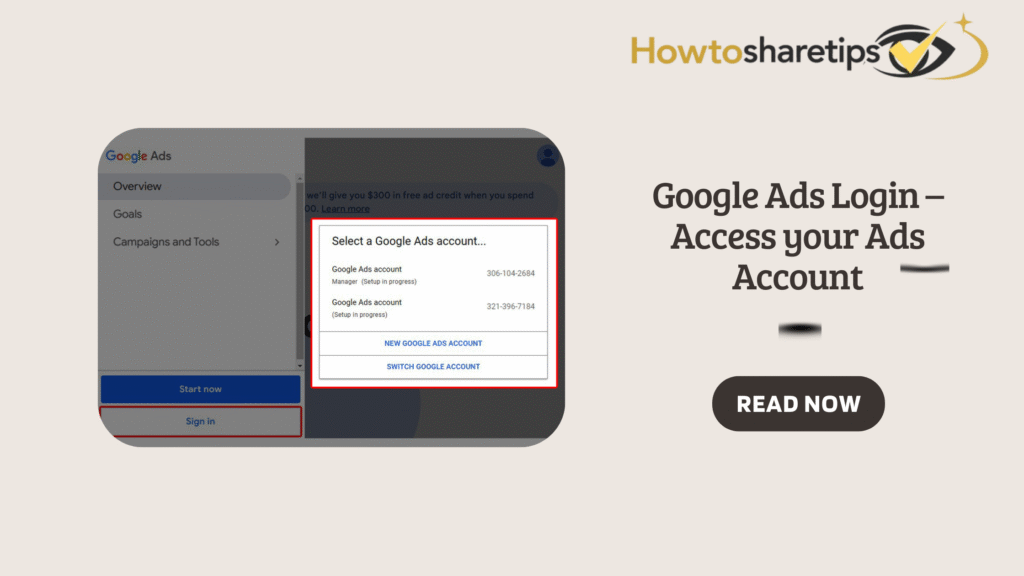

Google Ads Login – Access Your Ads Account
Logging in to Google Ads is the first step for businesses and marketers to manage advertising campaigns effectively. Google Ads provides a platform to promote products and services on Google Search, YouTube, mobile apps, and partner websites. Whether you are a first-time user or managing multiple accounts, quick access to your dashboard helps you run campaigns efficiently. A Google Ads account lets you create campaigns, track performance, optimize ads, and analyze metrics that drive results.
What Is Google Ads?
Google Ads, formerly Google AdWords, is Google’s online advertising platform. It helps businesses promote products and services across Google Search, YouTube, mobile apps, and partner websites. The platform works mainly under a pay-per-click (PPC) model. Advertisers pay only when users click on their ads.
Ad Formats Available
-
Search Ads: Appear at the top of Google search results.
-
Display Ads: Visual banners shown on websites within Google’s Display Network.
-
Shopping Ads: Showcase products with images, prices, and store details.
-
YouTube Video Ads: Reach audiences through video campaigns on YouTube.
A Google Ads account provides powerful tools for audience targeting, budgeting, and performance monitoring. By using Google Ads, businesses boost visibility, attract customers, and achieve measurable results.
Step-by-Step Login Guide
Follow these steps to log in:
-
Visit the Google Ads homepage.
-
Click the Sign in button at the top-right corner.
-
Enter your Google account email or Gmail username.
-
Type your password and click Sign in.
Once logged in, you can create, manage, and optimize campaigns directly from your dashboard.
Accessing Multiple Google Ads Accounts
Many businesses and agencies manage several Google Ads accounts. Logging in and out repeatedly wastes time. Instead, Google lets you link multiple accounts to one login. This makes it easier to track performance, manage budgets, and monitor campaigns from a single dashboard.
To link accounts, log in with your primary Google account. Use the same credentials for both your Ads Manager account and individual Ads accounts. Once connected, you can switch between accounts without signing out.
Manager Account for Agencies
Agencies or professionals handling multiple clients should use a Google Ads Manager Account (formerly My Client Center). This account provides:
-
Centralized reporting and billing.
-
Campaign oversight across all clients.
-
Performance tracking for multiple businesses.
Switching Between Accounts Without Logging Out
If you manage linked accounts, switching is simple:
-
Click your profile image at the top-right corner.
-
Select the account you want from the dropdown menu.
This feature helps agencies and marketers manage client accounts without delays.
Using Multiple Google Accounts on One Browser
If you need to use different Google accounts on the same browser, follow these steps:
-
Click your profile image at the top-right.
-
Select Add Account.
-
Enter the new account’s email and password.
Google keeps each account’s data separate, allowing smooth account switching.
Managing Your Google Ads Password
Protect your account by updating passwords regularly:
-
Open Google Account Settings and go to Security.
-
Under Signing in to Google, select Password.
-
Enter a strong new password and click Change Password.
Always use unique passwords and enable two-factor authentication for extra security.
Why Google Ads Login Matters
Google Ads is a powerful platform that allows businesses of all sizes to connect with potential customers at the right time and place. Whether you are running search ads, display campaigns, shopping ads, or video promotions on YouTube, the success of these campaigns depends on seamless access to your account. By logging in efficiently, advertisers gain full control over budgets, targeting options, and campaign settings, which ensures consistent performance and uninterrupted customer engagement.
A smooth login process also prevents unnecessary delays in monitoring campaigns. Many businesses run time-sensitive promotions where every click and impression matters. When advertisers experience login difficulties, they risk losing valuable insights and potential customers. Proper login management not only saves time but also allows marketers to make quick adjustments, track key metrics, and optimize strategies without disruptions.
Furthermore, secure login practices protect business data and ad spend. With strong passwords, two-factor authentication, and updated credentials, advertisers can prevent unauthorized access that could harm campaign performance. A reliable login ensures uninterrupted visibility, stronger customer targeting, and better campaign results. Simply put, understanding and mastering Google Ads login is essential for building successful, results-driven digital advertising campaigns.
Frequently Asked Questions (FAQ) – Google Ads Login
1. What is Google Ads and why do I need an account?
Google Ads is Google’s online advertising platform. With an account, you can create campaigns, track results, and optimize ads. Therefore, it is essential for businesses that want to grow online.
2. How do I log in to Google Ads for the first time?
Visit the Google Ads homepage, click Sign in, and enter your Google account email and password. After logging in, you gain full access to your dashboard.
3. Can I access multiple Google Ads accounts with one login?
Yes. You can link several Ads accounts to a single Google login. This makes campaign management faster and more convenient.
4. How do I switch between Google Ads accounts without logging out?
Click your profile picture in the top-right corner. Then, select the account you want to use. In this way, you avoid repeated sign-ins.
5. Can I use multiple Google accounts on the same browser?
Yes. Click your profile image, select Add Account, and sign in with another Google account. As a result, you can manage different accounts in one place.
6. What should I do if I forget my Google Ads password?
Click Forgot password? on the login page. Then follow the steps to reset it securely. After resetting, you can log in again without issues.
7. How can I secure my Google Ads login?
Use a strong password and enable two-factor authentication. In addition, update your login details often and avoid signing in from public devices.
8. What is a Google Ads Manager Account?
A Manager Account (MCC) helps you control multiple Ads accounts from one central dashboard. This option is especially useful for agencies or businesses with many campaigns.
9. Why can’t I log in even with the correct password?
This problem may happen if your browser is outdated or cookies are cached. Clear your cache or switch to a supported browser. However, if the issue continues, reset your login credentials.
10. Can I manage campaigns immediately after logging in?
Yes. After signing in, you can create, edit, and optimize campaigns without delay. Therefore, you can launch ads right away.
11. How do I update my password without losing campaign access?
Change your password in Google Account settings. Your campaigns and data remain safe. Furthermore, updating your password also strengthens account security.
12. Are there browser requirements for Google Ads?
Yes. Use the latest version of Chrome, Firefox, Safari, or Edge. Also, make sure JavaScript and cookies remain enabled. This ensures smooth performance when managing ads.
Conclusion
Mastering the Google Ads login process ensures businesses and marketers manage campaigns securely and efficiently. By learning how to access accounts, switch between multiple profiles, and maintain strong security, you stay in full control of your advertising.
Agencies and multi-client managers benefit from the Google Ads Manager Account, which simplifies reporting and campaign oversight. With secure practices such as two-factor authentication and regular password updates, you protect both your data and your campaigns.
Fast and reliable access to Google Ads gives you the power to monitor performance, optimize campaigns, and make data-driven decisions. Effective login management saves time, increases efficiency, and helps you maximize your digital marketing impact.