 Admin Drey
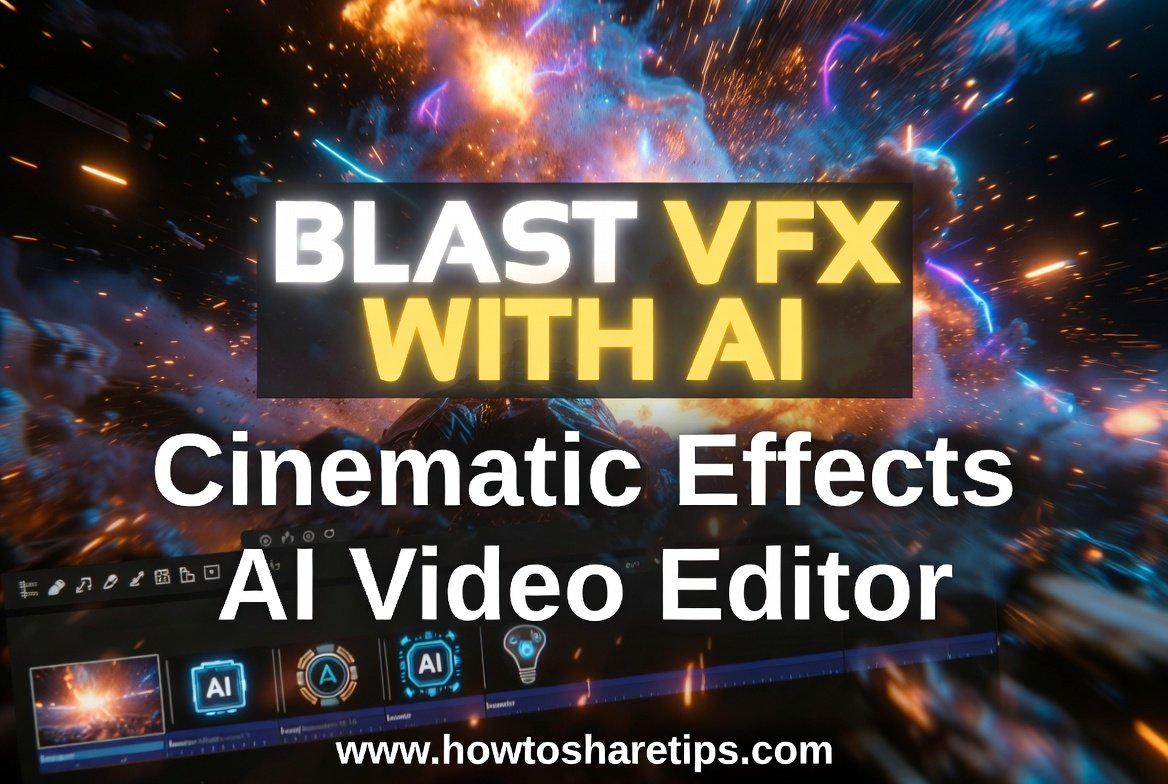
Creating professional-looking visual effects used to require expensive software, advanced editing skills, and hours of manual work. Today, Blast VFX Editing with AI is changing the way creators produce cinematic videos by making powerful visual effects accessible to beginners and professionals.
With AI-powered video editors, you can now generate explosions, energy effects, cinematic transitions, and realistic animations without spending years learning complex VFX techniques. Artificial intelligence helps automate difficult editing processes while allowing creators to focus more on storytelling and creativity.
What Is Blast VFX Editing with AI?
Blast VFX Editing with AI refers to using artificial intelligence tools to create and enhance visual effects, especially dramatic effects like explosions, impacts, energy blasts, smoke, fire, and cinematic action scenes.
Traditional VFX editing often involves multiple layers, complicated software, and detailed manual adjustments. AI video editors simplify this process by analyzing footage, generating effects, and applying realistic enhancements automatically.
This technology allows content creators, filmmakers, YouTubers, and social media users to produce high-quality videos without needing a large production team.
How AI Video Editors Create Cinematic VFX Effects
AI video editors use advanced machine learning technology to understand video footage and generate realistic effects. Some common AI-powered features include:
1. AI-Generated Explosions and Impact Effects
Creating realistic explosions traditionally requires special effects teams and expensive equipment. With AI VFX tools, creators can add explosive effects, fire, smoke, and shockwaves directly to their videos.
AI can automatically match the lighting, movement, and perspective of the original footage, making the effect appear more natural.
2. Automatic Background Removal
Many cinematic effects require separating the subject from the background. AI editors can detect people and objects automatically, allowing creators to add new environments, effects, or animations.
This saves time compared to manually using green screens or frame-by-frame editing.
3. Realistic Motion Tracking
Motion tracking is one of the most important parts of professional VFX editing. AI-powered tools can follow moving objects and attach effects accurately.
For example, creators can add energy blasts, glowing effects, or digital elements that move naturally with a person or object in the video.
4. AI-Powered Video Enhancement
AI can improve video quality by increasing resolution, reducing noise, improving colors, and making footage look more cinematic.
This helps creators transform ordinary clips into professional-looking productions.
The Harsh Truth About Online Courses
Everyone out there is just teaching tools to fill their own pockets, fooling people like you. Just like Daru Rathi does in his videos: “Join my AI masterclass to learn secret tools.”
Let me be real, those people won’t teach you how to create videos like these. Why? Because if you master this, you’ll go more viral than them!
Benefits of Using Blast VFX Editing with AI
Faster Video Production
AI reduces the time needed to create complex visual effects. Instead of spending hours manually designing effects, creators can generate impressive results within minutes.
No Advanced Editing Skills Required
Many AI video editors are designed for beginners. Users can create cinematic effects through simple prompts, templates, and automated tools.
Affordable Alternative to Professional VFX
Hiring VFX artists or purchasing expensive software can be costly. AI editing tools provide a more affordable option for creators working with smaller budgets.
More Creative Possibilities
AI gives creators the ability to experiment with ideas that may have been difficult or impossible to produce before.
From fantasy scenes to action sequences, AI expands creative opportunities.
Best AI Video Editors for Creating VFX Effects
Several AI-powered video editing platforms now offer tools for creating cinematic effects, including:
- AI video generators
- Text-to-video tools
- AI animation platforms
- Automated VFX editors
- Motion tracking software
When choosing an AI video editor, look for features such as realistic effect generation, easy controls, high-quality exports, and creative customization options
Create These Videos from Your Mobile For Free!
Yes, that’s right! You can create such videos directly from your mobile without spending a single rupee.
Before we dive in, here’s a funny moment, check out the legendary Kachori Uncle, always angry, but today I calmed all his rage with effects
Mind-Blowing Effects with AI Tools
I used effects like Zoom, Crash Zoom, Arc Zoom, and Explosion effects. These aren’t available even in Runway ML the way I show them!
Here’s how to do it:
- Upload your video to editing software like Adobe Premiere Pro.
- Pick a good frame, take a screenshot, and save it as a PNG or JPEG using a tool like the Windows Snipping Tool.
- Now go to Chrome browser on your mobile/PC and search for Higgsfield AI.
- Sign up using Google, Apple ID, Microsoft, or email.
- Navigate to the “Motion Control” section. You’ll find hundreds of templates and preloaded effects.
- Select an effect you like, such as “Building Explosion”, and click “Recreate.”
- Upload your screenshot image and delete all default text prompts. Instead, type: “Blast behind the character” and click “Generate.”
Your AI Video Will Be Ready in Seconds
Within seconds, your video enters the queue and starts rendering. Once complete, you’ll get a stunning, AI-generated video ready to go viral!
The Catch: It’s Not Completely Free
After creating two videos (e.g., my Chicken Leg Piece and Kachori Uncle videos), the platform prompts you to buy a premium plan.
And no, using a temporary email won’t bypass it. Sign-up options are strictly via Google, Apple ID, Microsoft, or standard email login. I’ve tried all methods; it doesn’t offer repeated free usage easily.
Generate
Is AI VFX Editing the Future of Video Creation?
AI-powered VFX editing is becoming one of the biggest trends in digital content creation. As AI technology improves, creators will gain access to more realistic effects, faster workflows, and advanced filmmaking tools.
While professional VFX artists will continue to play an important role in major film productions, AI tools are helping more people create impressive visual content without expensive resources.
Conclusion
Blast VFX Editing with AI is making cinematic video effects easier, faster, and more accessible. Whether you are a YouTube creator, filmmaker, marketer, or social media enthusiast, AI video editors can help you create impressive visual effects without complicated software.
By combining artificial intelligence with creativity, anyone can produce engaging videos with professional-quality effects. As AI continues to evolve, the future of video editing will become even more powerful and creative.
If you found this guide helpful, consider liking, sharing, and subscribing for more useful content, tutorials, and updates. Your support helps us continue creating detailed guides that make technology easier to understand and use.
By sharing this content with others, you also help more people discover helpful tips, tools, and solutions that can improve their digital experience. Thank you for being part of the community, and stay tuned for more informative content coming your way.
Frequently Asked Questions (FAQs)
What is Blast VFX Editing with AI?
Blast VFX Editing with AI is the process of using artificial intelligence tools to create cinematic visual effects such as explosions, fire, smoke, energy effects, and animations automatically.
Can beginners use AI VFX editors?
Yes. Many AI video editors are designed for beginners and allow users to create effects without advanced editing knowledge.
Do AI VFX tools replace professional editors?
AI tools do not completely replace professional editors. Instead, they help creators work faster by automating repetitive tasks and making advanced effects easier to create.
Can I create movie-style effects using AI?
Yes. AI video editors can help create movie-style effects, including action scenes, cinematic transitions, and realistic visual enhancements.
Are AI VFX editing tools free?
Some AI VFX tools offer free plans with limited features, while advanced features may require a paid subscription.

 Admin Drey