 Admin Drey
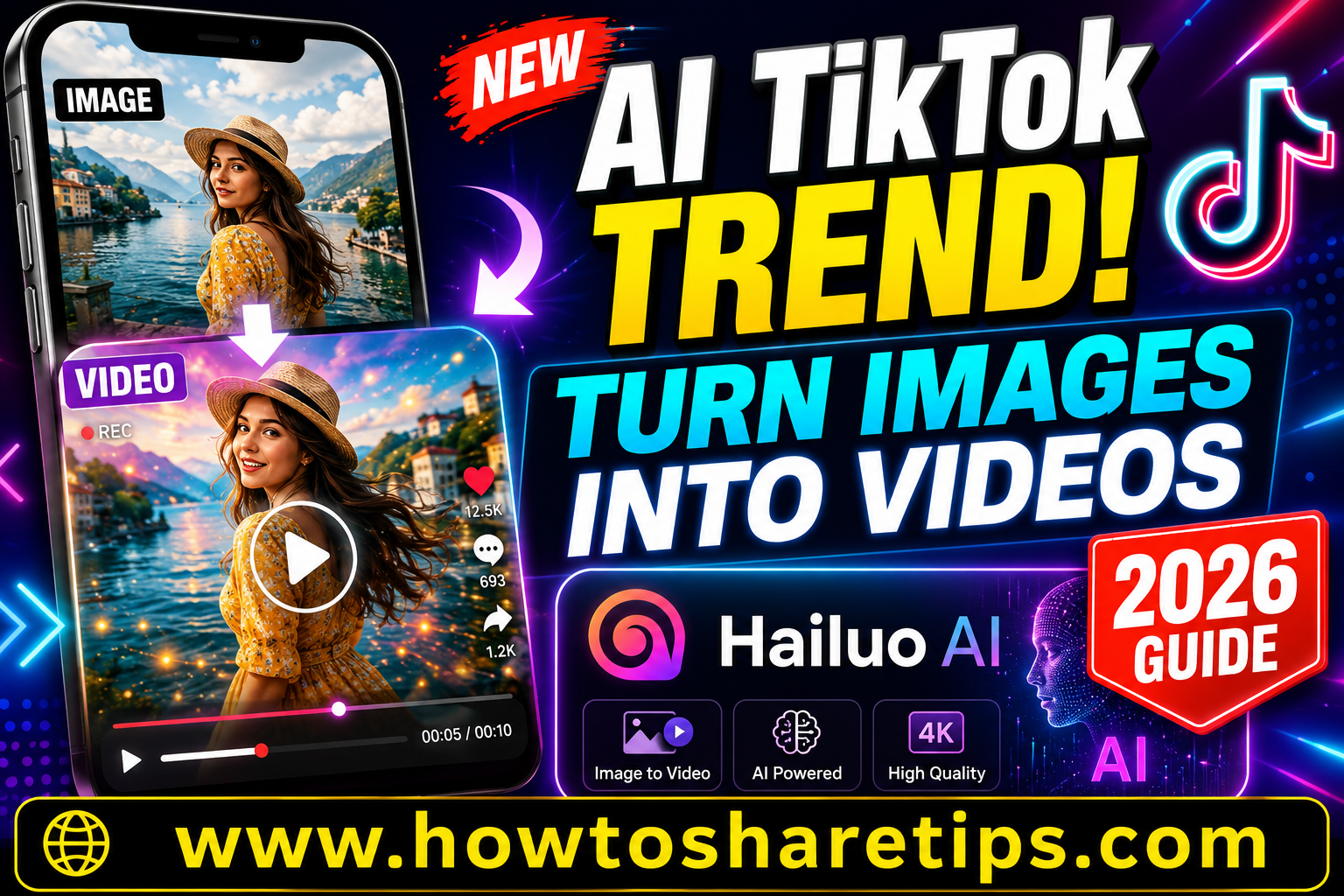
New AI TikTok Trend: How to Turn Images into Videos with Hailuo AI is taking social media by storm, allowing creators to transform ordinary photos into realistic, eye-catching videos within minutes. If you’ve been wondering how influencers are making animated portraits, cinematic scenes, and viral AI videos from a single image, this guide will show you exactly how to do it.
In this New AI TikTok Trend: How to Turn Images into Videos with Hailuo AI tutorial, you’ll learn everything you need to know about using Hailuo AI to animate images with powerful AI technology. Whether you’re a content creator, digital marketer, small business owner, or social media enthusiast, this step-by-step guide will help you create engaging videos that stand out on TikTok, Instagram Reels, YouTube Shorts, and Facebook.
We’ll cover how to upload your images, write effective AI prompts, generate smooth video animations, download your creations, and optimize them for maximum engagement. You’ll also discover expert tips for creating high-quality AI videos, avoiding common mistakes, and making content that’s more likely to go viral.
By the end of this guide, you’ll have a complete understanding of the New AI TikTok Trend: How to Turn Images into Videos with Hailuo AI, enabling you to create professional-looking AI videos quickly and easily, even if you’re a beginner.
In 2026, TikTok has been transformed by a new wave of AI-powered creativity that turns ordinary photos into captivating animated videos. What was once a simple static image can now blink, smile, move, or transform into a cinematic scene within seconds. These realistic animations capture attention instantly, encouraging viewers to stop scrolling, watch until the end, and share the content with others. Thanks to platforms like HailuoAI, creating viral AI videos has become easier than ever.
The popularity of image-to-video AI is growing because it removes the barriers to professional video production. Anyone can create engaging content without expensive software, advanced editing skills, or hours of manual work. Whether you’re an influencer, digital artist, marketer, or casual creator, AI allows you to produce high-quality videos that fit perfectly on TikTok, Instagram Reels, YouTube Shorts, and other short-form platforms.
Why AI-Generated Videos Are Going Viral
AI-generated videos continue to dominate social media because they combine creativity with simplicity. Instead of spending hours editing footage, creators can upload a single image and let artificial intelligence generate realistic movement, facial expressions, camera effects, and cinematic transitions. Many users animate old family photos, portraits, anime artwork, product images, or digital illustrations, pairing them with trending music to create highly engaging content.
These videos often receive strong engagement because they spark curiosity and emotion. Viewers are fascinated by seeing familiar images come to life, making AI-generated animations one of the most popular content formats on TikTok in 2025. As AI technology continues to improve, creators have even more opportunities to experiment with unique visual styles and storytelling techniques.
What is HailuoAI?
HailuoAI is an AI-powered image-to-video platform that transforms still images into dynamic animated videos in just a few clicks. Users simply upload a photo, enter a prompt or select an animation style, and the platform generates a short video with realistic motion, visual effects, and smooth transitions. Depending on the prompt, your image can blink, smile, dance, zoom dramatically, or evolve into an entirely new scene, all without requiring video editing experience.
The platform is designed for speed and simplicity, making it accessible to beginners while still offering enough creative flexibility for experienced content creators. Whether you’re creating entertaining social media clips, promotional content, or artistic animations, HailuoAI helps bring static visuals to life in minutes.
How It Differs from Other AI Video Generators
Although several AI video generators offer image animation features, HailuoAI stands out for its smooth motion quality, intuitive interface, and content optimized for social media. The platform focuses on generating natural-looking animations while maintaining image quality, making it an excellent choice for creators who want polished results with minimal effort.
Compared to other AI video tools, HailuoAI offers a streamlined workflow that allows users to create engaging videos quickly. Its output is well suited for platforms such as TikTok, Instagram Reels, YouTube Shorts, and other vertical video formats, helping creators produce content that is ready to publish with little or no additional editing.
Comparison with Kaiber, Pika, and Runway
| Feature | HailuoAI | Kaiber AI | Runway ML | Pika Labs |
|---|---|---|---|---|
| Ease of Use | ⭐⭐⭐⭐⭐ | ⭐⭐⭐ | ⭐⭐⭐⭐ | ⭐⭐⭐ |
| TikTok Support | ✅ | ❌ | ✅ | ❌ |
| Free Version | ✅ | ✅ | ✅ | ✅ |
| Rendering Time | ⚡ Fast | ⏱️ Medium | 🐢 Slow | ⚡ Fast |
Key Features of HailuoAI
Image-to-Video Conversion
Image-to-video conversion is the standout feature that has made HailuoAI popular among content creators. Simply upload a still image, such as a selfie, portrait, anime illustration, pet photo, digital artwork, or painting, and the AI transforms it into a short animated video with realistic movement and cinematic effects. Instead of remaining static, your image can blink, smile, move naturally, or evolve into an engaging visual sequence, making it ideal for social media content and creative storytelling.
Custom Animation Styles
HailuoAI offers a wide variety of animation styles, allowing users to match their videos to different themes and creative preferences. Whether you want fantasy-inspired transformations, anime-style motion, cinematic camera effects, dreamy visual sequences, vintage aesthetics, or futuristic cyberpunk animations, the platform provides multiple options to help bring your ideas to life. You can also experiment with different prompts to create unique animations that stand out on platforms like TikTok, Instagram Reels, and YouTube Shorts.
Free and Paid Versions
HailuoAI offers both free and premium plans, making it accessible to creators with different budgets. The free version allows users to explore the platform’s core image-to-video capabilities and experiment with AI-generated animations. For those who need higher-quality exports, faster processing, additional generation credits, or watermark-free videos, premium subscription plans unlock more advanced features. The exact pricing and available features may change over time, so it is recommended to check the latest plan details on HailuoAI’s official website.
Multi-Language Support
HailuoAI is designed for a global audience and supports multiple languages, making it accessible to creators from different countries and regions. Its multilingual interface allows users to navigate the platform comfortably regardless of their preferred language. This broad accessibility has contributed to its growing popularity among influencers, marketers, artists, educators, and content creators worldwide, helping people create AI-generated videos for audiences across different markets.
How the Image-to-Video Trend Works
Starting with a Static Image
Pick an image that’s emotionally strong or visually striking. This could be a childhood memory, an anime character, or a pet photo.
Adding Motion with AI
HailuoAI uses deep learning to animate the image, adding eye movement, head tilts, smile effects, and even surreal transformations.
Syncing with Trending TikTok Audio
The final step? Match your video with a trending audio or meme sound. This is key for TikTok virality.
Step-by-Step Guide to Creating TikTok Videos Using HailuoAI
Step 1: Choose Your Image
Pick a high-resolution image. Avoid blurry or pixelated pics. Try using portrait mode photos for better face detection.
Step 2: Upload to HailuoAI
Visit HailuoAI Official Site or search it on Google. Drag and drop your image into the tool.
Step 3: Select Animation Style
Pick a style: realistic, cartoon, glitch, anime, cyberpunk, etc. You’ll see a live preview before confirming.
Step 4: Preview and Adjust
Fine-tune the duration, speed, expressions, and effects. Play around — it’s surprisingly intuitive.
Step 5: Download and Upload to TikTok
Download your animated video in MP4 format. Open TikTok, upload, and add trending audio before posting.
Best Practices to Make Your Video Go Viral
Choose High-Resolution Images
Blurry images don’t animate well. Use clear photos for crisp AI rendering.
Match AI Effects with TikTok Trends
If the trend is about “transforming into anime,” choose anime-style effects. Always ride the trend wave.
Use Trending Hashtags and Captions
Hashtags like #AIVideo, #ImageToVideo, #HailuoAI, and #TikTokTrend2025 will help push your video to the FYP.
Example Video Ideas to Try in 2025
Anime Character Transformations
Take an anime sketch and make it come alive, blinking eyes, flowing hair, and cinematic background.
Historical Portrait Animations
Upload old black-and-white portraits and animate them with modern expressions. eerie and beautiful.
Pet Photos to Dancing Avatars
Turn your cat into a dancing avatar that grooves to viral TikTok music.
AI-enhanced Travel Memories
Animate your vacation selfies with movement to relive those moments in a magical way.
Pros and Cons of Using HailuoAI
Pros
- Easy to use, no editing skills needed
- Free version available
- Supports all major file types
- Perfect TikTok export format
- Fast rendering
Cons
- Free version includes watermark
- Requires strong internet for smooth usage
- Limited customization in free mode
TikTok Algorithm Tips for AI Creators
When to Post for Maximum Reach
Post between 6 PM and 10 PM (local time), that’s when most users are active.
How to Engage Viewers in First 3 Seconds
Use shocking animations or eye contact effects, TikTok rewards videos with strong starts.
CTA Tricks to Boost Watch Time
Use captions like: “Wait till the end!” or “This surprised me” to keep viewers hooked.
How to Monetize Your AI TikTok Videos
Partner with Brands
As AI-generated videos become more popular, brands are looking for creators who can produce eye-catching content quickly and affordably. You can offer custom AI video creation services to businesses, influencers, online stores, and marketing agencies that want engaging promotional content for TikTok, Instagram Reels, and YouTube Shorts. By building a strong portfolio of creative AI videos, you can attract clients and establish yourself as a freelance content creator.
Use Affiliate Links
Affiliate marketing is another effective way to earn money from your AI content. If HailuoAI or other editing platforms offer affiliate programs, you can share your referral links in your TikTok bio, YouTube descriptions, blog posts, or social media profiles. When someone signs up or purchases a subscription through your link, you receive a commission. You can also promote complementary tools such as video editors, graphic design platforms, or AI software that your audience may find useful.
Sell Custom Animations
Many individuals and businesses are willing to pay for personalized AI-generated videos. You can create gigs on freelance marketplaces such as Fiverr and Upwork, offering services like image-to-video animation, AI promotional videos, social media content creation, animated portraits, or product showcases. As demand for AI-generated content continues to grow, skilled creators have more opportunities to generate consistent freelance income.
Safety, Copyright, and Ethical Use
Avoid Deepfake Abuse
AI is a powerful creative technology, but it should always be used responsibly. Avoid creating deceptive deepfakes, impersonating public figures, or generating misleading content that could harm individuals or spread misinformation. Ethical use helps protect your reputation and ensures your content complies with platform guidelines.
Respect Image Ownership
Always use images that you own, have permission to use, or are licensed for your intended purpose. This is especially important if you plan to monetize your videos or create content for commercial clients. Respecting copyright and intellectual property rights helps you avoid legal issues and supports ethical content creation.
Follow TikTok’s AI Content Policies
TikTok allows AI-generated content, but creators are expected to follow the platform’s community guidelines and policies regarding synthetic media. Content that intentionally deceives viewers, spreads misinformation, or violates platform rules may be removed and could result in account penalties. Reviewing TikTok’s latest AI-related policies before publishing content is a good practice.
External Tools to Enhance Your AI Videos
CapCut for Video Editing
CapCut is a popular editing app that helps refine AI-generated videos before publishing. You can trim clips, add transitions, insert captions, apply visual effects, adjust playback speed, and synchronize videos with trending audio, all from a user-friendly interface.
InShot for Music and Audio Editing
InShot makes it easy to add background music, sound effects, voiceovers, and audio transitions to your AI videos. It also provides tools for adjusting timing, matching clips to the beat of a song, and exporting videos in formats optimized for social media platforms.
Canva for Thumbnail Design
Canva is an excellent tool for creating professional thumbnails, profile graphics, promotional banners, and social media visuals. Eye-catching thumbnails and branded graphics can increase profile visits, improve engagement, and make your content look more professional across multiple platforms.
Future Trends in AI Video Creation
3D Image-to-Video Animation
The next generation of AI video tools is expected to move beyond simple motion effects by generating realistic 3D animations from single images. This technology could produce more immersive videos with improved depth, camera movement, and lifelike perspectives, opening new creative possibilities for content creators.
Real-Time Face Animation
Real-time AI face animation is rapidly advancing, allowing creators to animate digital characters or avatars using live facial expressions captured through a webcam. This technology has the potential to simplify virtual presentations, live streaming, gaming, and interactive content creation.
Voice Synchronization and Lip Sync
Future AI platforms are expected to integrate advanced voice generation and lip-sync technology directly into the video creation process. Creators may soon be able to generate realistic talking avatars that automatically synchronize speech, facial expressions, and mouth movements with voiceovers or music, making AI-generated videos even more engaging and realistic.
Conclusion
AI tools like HailuoAI are changing the way people create content on TikTok and other short-form video platforms. Tasks that once required advanced editing skills, expensive software, and hours of production can now be completed in just a few minutes using AI. From animating portraits and artwork to creating engaging visual effects, HailuoAI gives creators an easy way to produce content that captures attention and encourages viewers to engage.
Whether you’re a content creator, marketer, business owner, or someone who enjoys experimenting with the latest AI technology, HailuoAI offers an accessible way to transform ordinary images into dynamic videos. By combining creative prompts with trending sounds and thoughtful editing, you can create content that stands out in crowded social media feeds.
As AI video technology continues to evolve, creators who learn these tools early will be better positioned to grow their audience and explore new creative opportunities. Upload your favorite image, experiment with different animation styles, and discover how AI can help you create videos that leave a lasting impression.
FAQs
Is HailuoAI safe to use?
Yes, it’s safe and used by thousands globally. Just follow ethical guidelines and avoid misusing content.
Can I use it for commercial purposes?
Yes, but you must use your own images or get proper licensing for others’ content.
Is there a mobile version?
As of now, HailuoAI is web-based, but mobile support is expected by late 2026.
What kind of images work best?
High-resolution portraits or artwork with clear details give the best animation results.
Is HailuoAI better than Pika or Kaiber?
In terms of simplicity and TikTok-readiness, yes. But for professional filmmaking, other platforms may offer more features.
Ready to Create Your First Viral AI Video?
Prompt:
A confident young man standing in front of a traditional village wall. Suddenly, a Lamborghini Veneno appears behind him. He turns around with a serious face, walks confidently toward the car, opens the door, gets inside, and starts driving away with style. The camera follows him smoothly, with cinematic angles. Cool lighting, dust on the road, powerful luxury
Generate


 Admin Drey