
 Admin Drey
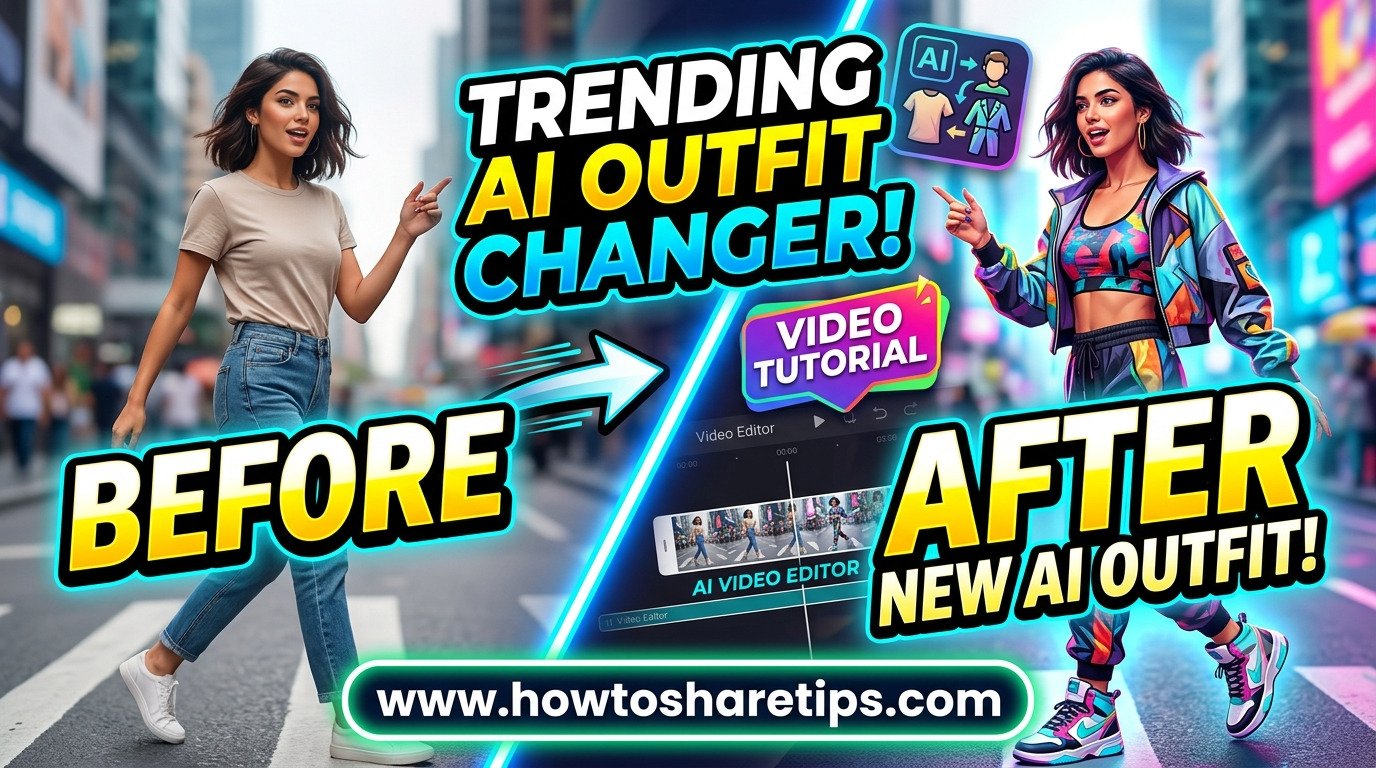
Trending AI Outfit Changing Video Tutorial is becoming a popular way for creators to transform fashion videos using artificial intelligence. With advanced AI video editors and AI clothes changer tools, anyone can create realistic outfit transitions, virtual try-ons, and engaging fashion content without expensive equipment or professional editing skills.
In this Trending AI Outfit Changing Video Tutorial, you will learn how to use AI-powered tools to change outfits in videos, create smooth fashion transformations, and produce high-quality social media content. Whether you are a content creator, fashion influencer, marketer, or beginner, AI outfit-changing technology can help you create unique videos that attract more viewers.
This step-by-step guide will show you how to combine an AI video editor with an AI clothes changer to generate realistic clothing changes, improve video quality, and create viral-ready content for platforms like TikTok, Instagram, YouTube Shorts, and other social media channels.
What Is an AI Outfit Changing Video?
An AI outfit-changing video uses artificial intelligence to replace or modify clothing in a video while keeping the person’s movement, body shape, and background realistic. These tools use AI image processing and video editing technology to create seamless outfit transformations.
Have you ever wished you could change your outfit in a photo without retaking it? Thanks to Instagram’s latest AI features, now you can change clothes in photos with just one click. In this guide, I’ll walk you through two secret Instagram tricks that let you restyle your photo instantly. If the first method doesn’t work on your device, don’t worry, the second one works 100% of the time.
Why Use Instagram’s AI Clothes-Changing Feature?
Instagram is quickly becoming more than just a social media platform. With the introduction of AI-powered tools, you can now edit photos in ways that once required professional software. This feature is especially useful for:
- Experimenting with different outfit styles
- Creating professional-looking photos for social media
- Saving time and money on photo editing apps
Before you begin, make sure your Instagram app is updated to the latest version. Without updating, some of the options may not appear on your account.
Method 1: Using Instagram’s Restyle Option
- Open your Instagram app and tap on the plus (+) icon to upload a photo.
- Select the photo where you want to change clothes.
- Tap the three-dot menu and choose Restyle.
- In the text box, type: “Change this dress into [your desired outfit]”. For example:
- Change this dress into a stylish red jacket
- Change this dress into a black hoodie
- You can also specify colors for more accuracy, like “blue shirt” or “green t-shirt”.
- Click Continue and wait a few seconds for Instagram AI to process the image.
- Your photo will be restyled automatically, and you can save it to your gallery.
Tip: If you don’t see the “Restyle” option, don’t worry, try the second trick below.
Method 2: Using Instagram Chat AI
- Open Instagram and go to the Chat section.
- Click the AI chat option (available in the updated version).
- Select Gallery and upload the photo you want to edit.
- Type your command in the chat box, for example:
- Change this dress into a stylish blue shirt
- Change this outfit into a black formal suit
- Wait for a few seconds while Instagram generates the new version of your photo.
- Save the edited photo to your gallery.
This method works even if the first one doesn’t, and it’s 100% effective as long as your app is updated.
Best Practices for Using Instagram AI Clothes Editing
- Always keep your app updated to access new features.
- Use clear and specific prompts, like “red leather jacket” instead of just “jacket.”
- Experiment with different styles to get the best results.
- Check out Instagram’s official updates on Instagram News for more AI tools.
Other Tools to Change Clothes in Photos
If Instagram’s AI isn’t available in your region yet, don’t worry. There are many other online tools and apps you can try:
Benefits of Using AI Outfit Changing Tools
- Create professional fashion videos quickly
- Experiment with different clothing styles
- Save time on traditional video editing
- Produce engaging social media content
- Improve digital marketing campaigns
Conclusion
With Instagram’s new AI features, changing clothes in photos is easier than ever. Whether you want to try out a stylish jacket, a formal shirt, or a casual hoodie, you can transform your look in seconds without using Photoshop. The two tricks shared above, Restyle option and AI chat method, work perfectly when your app is updated.
A Trending AI Outfit Changing Video Tutorial can help creators unlock new possibilities in fashion content creation. By using an AI video editor and AI clothes changer, you can create realistic outfit transformations, attract more viewers, and produce high-quality videos for modern digital platforms.
So go ahead, try it out, and give your photos a brand-new style today!


 Admin Drey