
 Admin Drey
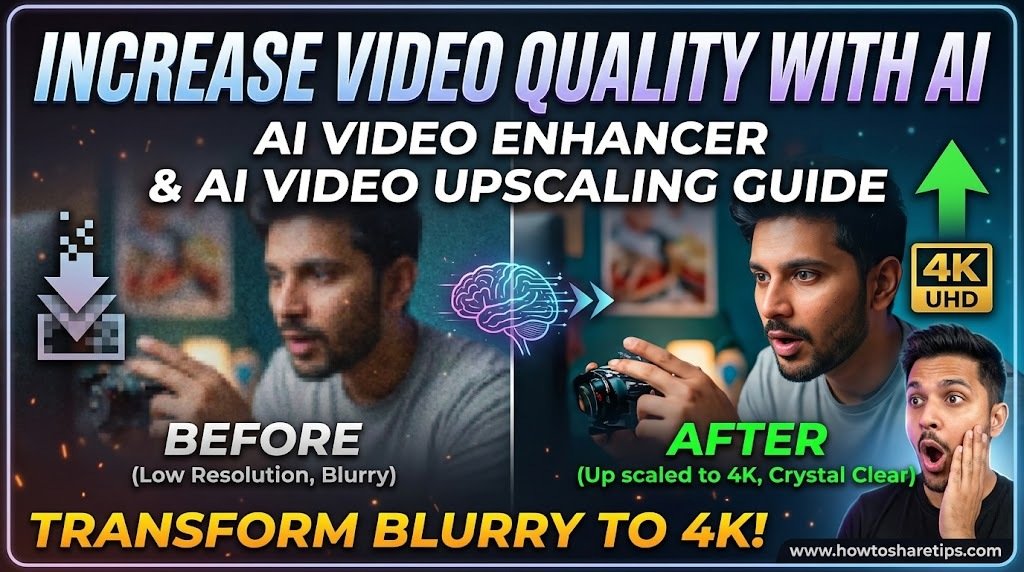
AI Video Enhancer technology makes it easier than ever to improve video quality, restore old footage, and create professional-looking videos without advanced editing skills. Whether you are a content creator, YouTuber, marketer, or business owner, using an AI Video Enhancer can help transform low-resolution videos into clearer, sharper, and more engaging content.
In this guide, you will learn how to increase video quality with AI, how AI video upscaling works, and how modern AI tools can enhance your videos automatically. From improving resolution to reducing noise and enhancing details, AI-powered video enhancement can save time while delivering impressive results.
What Is an AI Video Enhancer?
An AI Video Enhancer is a tool that uses artificial intelligence and machine learning algorithms to analyze video frames and improve their quality. Unlike traditional editing methods, AI can automatically detect blurry areas, missing details, lighting issues, and unwanted noise before enhancing the footage.
AI video enhancement tools can help you:
- Increase video resolution from low quality to HD or 4K
- Improve sharpness and details
- Reduce video noise and grain
- Enhance colors and brightness
- Restore old or damaged videos
- Create better content for social media platforms
How Does AI Video Upscaling Work?
AI video upscaling uses deep learning models to analyze existing video frames and predict additional details needed to create a higher-quality version. This process allows an AI Video Enhancer to improve videos without manually adjusting every frame.
For example, an AI tool can transform a low-resolution video into a sharper HD or 4K version by improving textures, edges, and overall clarity.
The video that you’re seeing on the right side right here is a video that has been compressed and has bad quality. Now, the video on the left side is actually enhanced with AI. And if you want to enhance your videos with the help of AI, then you need to use this one tool. This tool is actually free to use, and it’s called Wondershare UniConverter.
Step-by-Step Guide: How to Increase Video Quality with AI
Step 1: Choose an AI Video Enhancer Tool
Select an AI-powered video enhancement tool that supports features such as resolution upscaling, noise reduction, frame improvement, and quality restoration.
Step 2: Upload Your Video
Import the video you want to improve. Most AI video enhancement platforms support common formats such as MP4, MOV, and AVI.
Step 3: Select Enhancement Settings
Choose your preferred output quality, such as HD, Full HD, or 4K. Adjust settings for sharpness, color improvement, and noise removal if available.
Step 4: Process and Export Your Enhanced Video
Allow the AI Video Enhancer to analyze and improve your footage. Once complete, preview the results and export your upgraded video.
Benefits of Using AI Video Enhancer Tools
Using AI for video improvement provides several advantages:
- Faster editing workflow
- Professional-quality results
- Easy restoration of old videos
- Better engagement on social media
- Improved video quality without expensive equipment
AI Video Enhancer for Content Creators and Digital Marketing
High-quality videos are essential for growing audiences online. Content creators and digital marketers can use AI video upscaling tools to improve social media videos, advertisements, tutorials, and promotional content.
An AI Video Enhancer allows creators to produce visually appealing videos that attract more viewers, increase watch time, and improve audience engagement.
How to Improve Video Quality with UniConverter
So, what we do to convert our videos and to make them higher quality is we go over to UniConverter. You can find the download link in the description down below. Here we have a bunch of different options. Now we click on the AI Video Enhancer and here we import our videos.
I have my video in here right there, and now we’re going to load it in. What this will do is allow us to denoise or even add extra frames. Let’s say it isn’t looking smooth, the AI can literally double the frames or even quadruple them. This way, you get a smoother video overall.
AI Denoising and Frame Enhancement
Now, I’m going to let it denoise. After that, I’ll get the preview. The AI will analyze the video and start making it better. You can have a look for yourself, it makes the video look overall a bit smoother. If you have any kind of noise in your image, then it will literally denoise it, that’s exactly what the feature does.
If you want to add more frames, then we click on the Smoothness setting. For example, I’m going to set it to double. After that, we can export it. What the smoothness setting does is add a slow-motion effect to your video. So, let’s take a look at this, now we have some super slow-mo on our video. But generally speaking, you’ll mostly use the denoise setting for the best results.
Before and After Video Comparison
If you want to watch the full difference of the videos, then take a look at what’s on the screen right now. If you want to try this out yourself, then make sure to use Wondershare UniConverter. I will leave the link for this in the description down below.
Why Use AI Video Enhancement?
- Remove unwanted noise from compressed or low-quality videos.
- Double or quadruple frame rates for smoother playback.
- Create slow-motion effects automatically.
- Enhance overall visual clarity with just one click.
For more AI-based editing tools, you can also check out:
With these AI-powered tools, you can easily transform low-quality footage into professional-looking videos within minutes.
Download Apk
Download iOS
Conclusion
An AI Video Enhancer is a powerful solution for anyone looking to increase video quality with artificial intelligence. By using AI video upscaling technology, you can improve resolution, restore details, and create professional videos faster and more efficiently.
Whether you are creating YouTube videos, social media content, or marketing campaigns, AI-powered enhancement tools can help you produce better-quality videos that stand out.


 Admin Drey