 Admin Drey
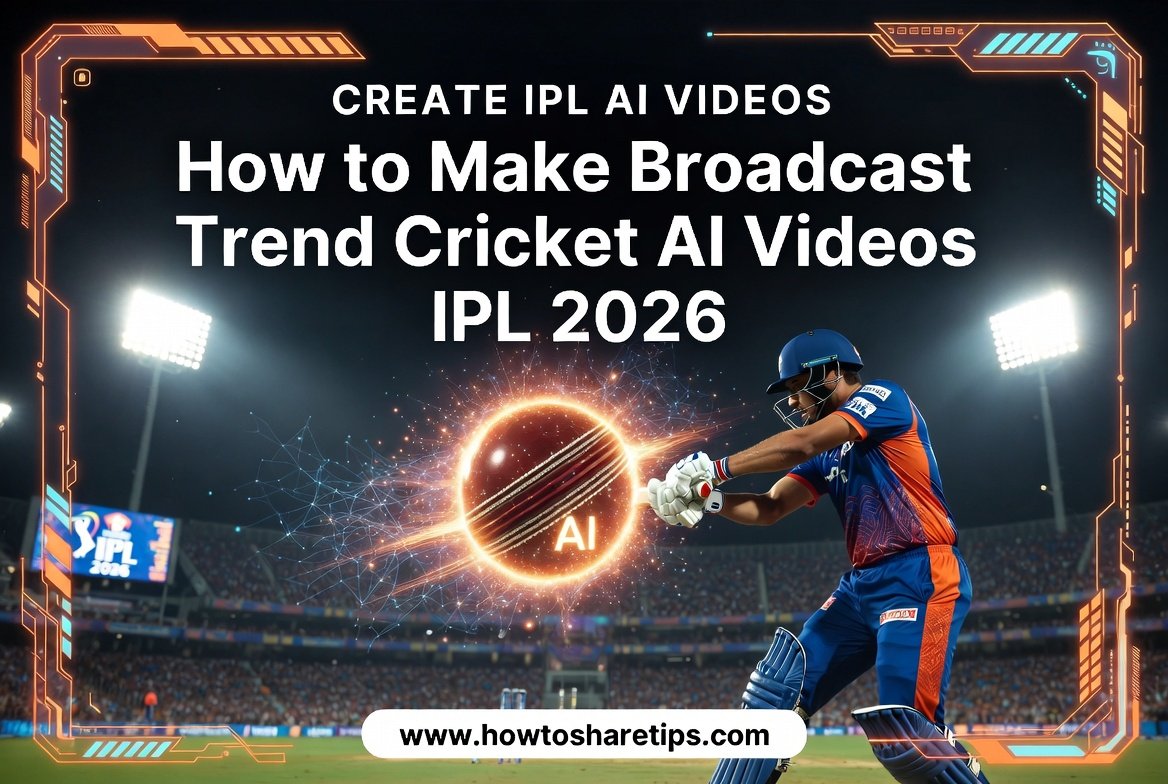
How to Create IPL Broadcast AI Trend Videos Using an AI Video Generator is one of the hottest AI content trends for cricket fans, content creators, and digital marketers in 2026. With powerful AI tools, you can produce realistic IPL-style broadcast videos featuring dynamic commentary, cinematic visuals, and engaging match highlights without needing expensive editing software or professional video production skills.
In this guide, you’ll learn How to Create IPL Broadcast AI Trend Videos Using an AI Video Generator step by step. We’ll show you how to generate realistic Cricket AI Videos, create broadcast-quality visuals, add AI voice commentary, and edit your videos for platforms like YouTube, Instagram Reels, TikTok, and Facebook.
Whether you’re creating content around IPL 2026, fantasy cricket, match predictions, or sports highlights, How to Create IPL Broadcast AI Trend Videos Using an AI Video Generator can help you produce viral videos that attract more views, increase engagement, and grow your audience.
By the end of this tutorial, you’ll have a complete workflow for creating professional Cricket AI Videos using the latest AI video generators, making it easier than ever to capitalize on the IPL 2026 trend and build a successful sports content channel.
Why IPL AI Videos Are Trending on Instagram
AI-generated cricket videos are becoming extremely popular because they look cinematic and professional. Fans are creating videos wearing their favorite IPL team jerseys inside huge cricket stadiums with crowd effects, dramatic camera movements, and realistic lighting.
Whether you support RCB, CSK, MI, or any other IPL team, these AI tools allow you to generate stunning videos within minutes.
Step 1: Open ChatGPT App
First of all, open the ChatGPT app on your mobile phone. If you don’t have the app installed, you can download it from the official website:
After opening the app:
- Login using your Gmail account
- Select the Create Image option
- Click on the Plus (+) icon
- Choose the Photos option
- Upload your selfie photo
For example, you can upload any clear front-facing selfie image.
Step 2: Copy the AI Photo Prompt
Now you need an AI image prompt.
Open Google and search:
AI Video Raj Suman
You’ll find a website related to AI video editing prompts. Open the post and scroll down to Paragraph 4 where you’ll see the AI photo generation prompt.
Copy the complete prompt.
Prompt for image generation
A screenshot from a live IPL cricket TV broadcast on Star Sports. The camera cuts to the audience, our reference image person sitting in the crowd, smiling naturally and unaware they’re on camera.
Both girlfriend and boyfriend sitting together.The subject is seated in premium stadium seats near the boundary rope during a high-energy match between Royal Challengers Bengaluru (RCB) and Chennai Super Kings (CSK). Hardlock: Do not alter their facial structure, skin texture, or likeness in any way.
The stadium atmosphere is electric with packed crowd, vibrant red and yellow team colors throughout the stands, dramatic stadium floodlights, flags waving, blurred motion from cheering fans in the background. Full authentic cricket broadcast overlay visible: IPL-style scorecard graphics, Star Sports logo watermark, over count, team scores, player stats ticker, match status. The game is IPL playoffs, Qualifier match atmosphere. RCB currently leading the series momentum after dominating previous matches against CSK.
The image should look exactly like a real TV broadcast screenshot, realistic sports broadcast cinematography, live camera framing, authentic sports color grading, slight compression artifacts, interlacing grain, subtle motion blur, realistic depth of field from a broadcast zoom lens, candid audience capture aesthetic.
16:9 aspect ratio, ultra-realistic live sports broadcast feel, indistinguishable from an actual televised IPL match screenshot.
Prompt for video generations
Create a realistic 15-second live Indian cricket broadcast crowd cutaway during a fictional IPL-style night match in a packed stadium. The scene must feel like a genuine IPL audience reaction captured by a far-away stadium zoom camera, not cinematic, staged, influencer-style, or front-facing.
The couple must closely match the reference image.
Boyfriend:
– Preserve exact identity, facial structure, hairstyle, stubble, skin tone, and expression
– Same light grey-blue small check shirt
– One arm naturally around the girl
– Holding a silver-and-red soda can initially
Girl:
– Match same appearance and outfit
– Same blue floral summer dress
– Natural shy expressions
Both remain seated throughout.
Environment:
Packed Indian cricket stadium at night with dense crowd, blue jerseys, floodlights, LED ribbon boards, realistic audience movement, foreground/background spectators partially blocking frame edges for authentic broadcast framing.
Camera Style:
Single continuous take, no cuts or angle changes. Telephoto stadium broadcast lens from far away with long-lens compression, slight broadcast softness, mild TV compression artifacts, subtle live-broadcast grain, authentic sports framing. Couple mostly watches stadium screen instead of camera.
Timeline:
0–4s:
Camera lands naturally on couple. Boyfriend casually smiles while watching match. Girl realizes they’re on screen and smiles shyly while avoiding eye contact.
4–7s:
Boyfriend casually lifts soda can slightly in celebration while still focused on match. Girl shyly hides part of her face smiling. Crowd reacts naturally.
7–11s:
Boyfriend lowers can and forms half-heart gesture. Girl shyly completes other half. Soft crowd cheering and laughter nearby.
11–13s:
Girl gives quick soft cheek kiss. Boyfriend reacts with proud grin and small laugh while still immersed in match atmosphere.
13–15s:
Both become embarrassed and smile softly. Girl looks away shyly. Boyfriend returns attention toward match.
Graphics:
Static fictional IPL-style scorebug throughout entire clip with fictional teams, score, wickets, overs, run rate, batsman/bowler stats, LIVE tag, and fictional sports-channel watermark. No score updates or animation.
Audio:
Natural stadium ambience, crowd murmur, distant cheering, soft laughter during romantic moments, two male cricket commentators casually reacting to couple appearing on broadcast. No dialogue from couple.
Important:
Strong face preservation, accurate wardrobe, seated entire time, no
Step 3: Paste Prompt in ChatGPT
Now return to the ChatGPT app and paste the copied prompt inside the chat box.
You’ll notice a team name like RCB written inside the prompt.
Replace it with your favorite IPL team:
- RCB
- CSK
- MI
- KKR
- GT
- SRH
After editing the team name, click the Send button.
ChatGPT will start generating your AI stadium image automatically.
Step 4: Save the Generated AI Image
Once the AI image is ready:
- Click on the generated photo
- Save it to your gallery
The image usually looks highly realistic, like you are standing inside a real IPL cricket stadium.
Step 5: Generate AI Video From the Photo
Now it’s time to create the cinematic AI video.
Go back to the same AI video editing website and scroll further down. There you’ll find another prompt specifically made for video generation.
Copy that video prompt.
Step 6: Create New AI Video Project
Now open your AI video generation tool and follow these steps:
- Click on the Create option
- Select New Project
- Choose the Nano Banana option
- Select Video
- Choose the 16:9 aspect ratio
- Tap anywhere once
- Click the Start button
After that:
- Upload the AI image you generated from ChatGPT
- Wait for the image to upload completely
- Paste the copied video prompt inside the chat box
- Click on the Send button
Step 7: Wait for AI Video Rendering
As soon as you click Send, the AI tool will start generating your IPL cinematic video.
You only need to wait a few moments for the rendering process to complete.
Once finished, click on the generated video and press play.
You’ll see an amazing AI-generated cricket stadium video with realistic camera movement and crowd atmosphere.
Step 8: Save the Final Video
To save the final video:
- Click on the download icon
- Select 720p quality
- Save the video directly to your gallery
Create Couple AI Stadium Videos Too
You can also create viral couple-style IPL AI videos using the same method. Simply use couple prompts instead of solo prompts.
These couple AI videos are also trending massively on Instagram Reels and YouTube Shorts.
Best Tools for AI Video Editing
In Conclusion
If you want to create viral Instagram AI videos related to IPL stadiums, cricket fans, or cinematic crowd edits, this method is one of the easiest ways to do it. You only need a selfie photo, a good AI prompt, and a video generation tool.
These AI videos are currently getting huge reach on Instagram Reels, YouTube Shorts, and TikTok-style platforms. So if you want to grow your social media account quickly, this trend is definitely worth trying.
Start experimenting with different IPL teams, camera angles, and prompts to make your videos look even more unique and viral.

 Admin Drey